
Your recipe app for videos & links
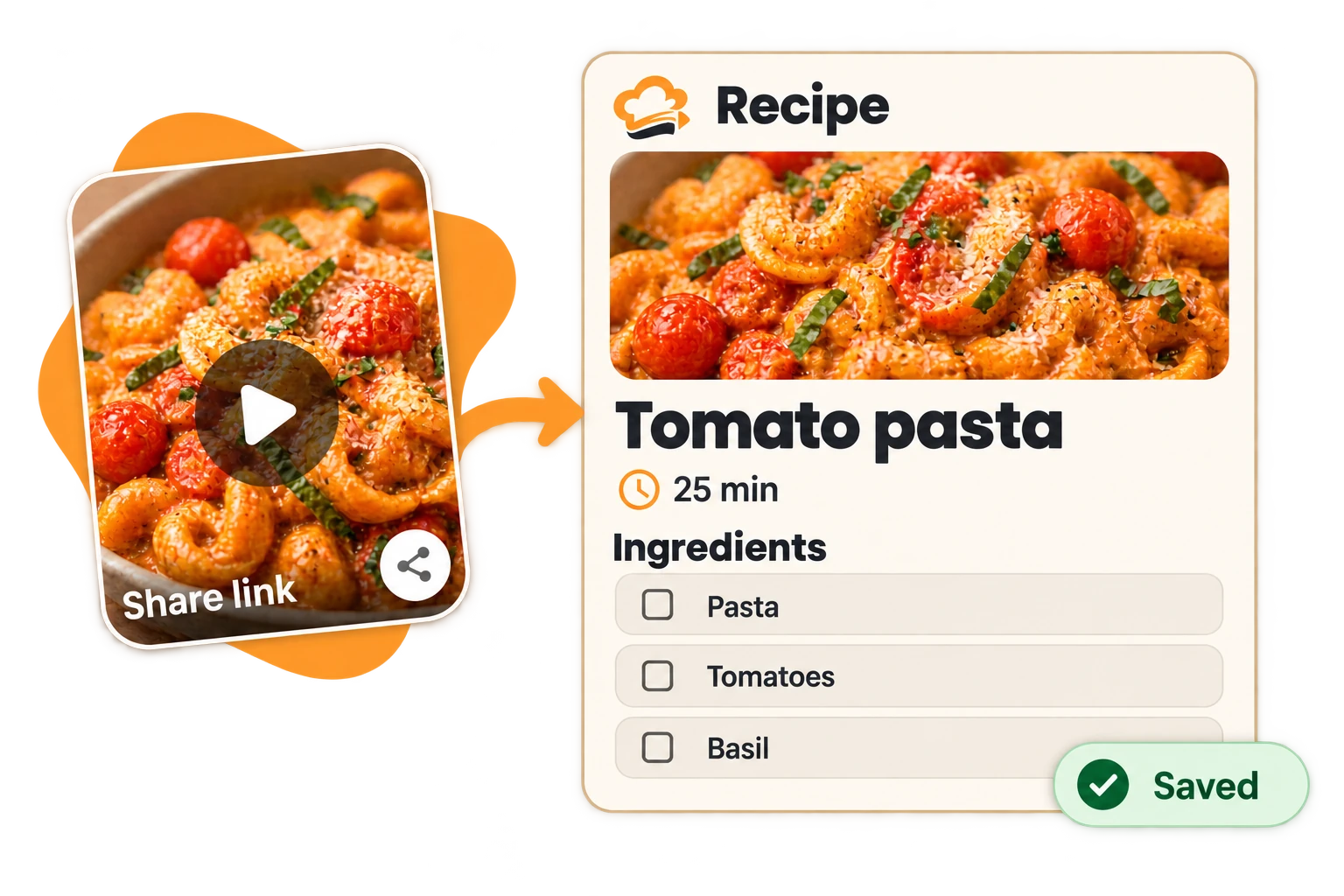
From your feed. To your collection.
Share a recipe link with Cook Swipe. Turn a video or website into ingredients and steps you can find again.
Instagram · TikTok · YouTube · Web
Your collection
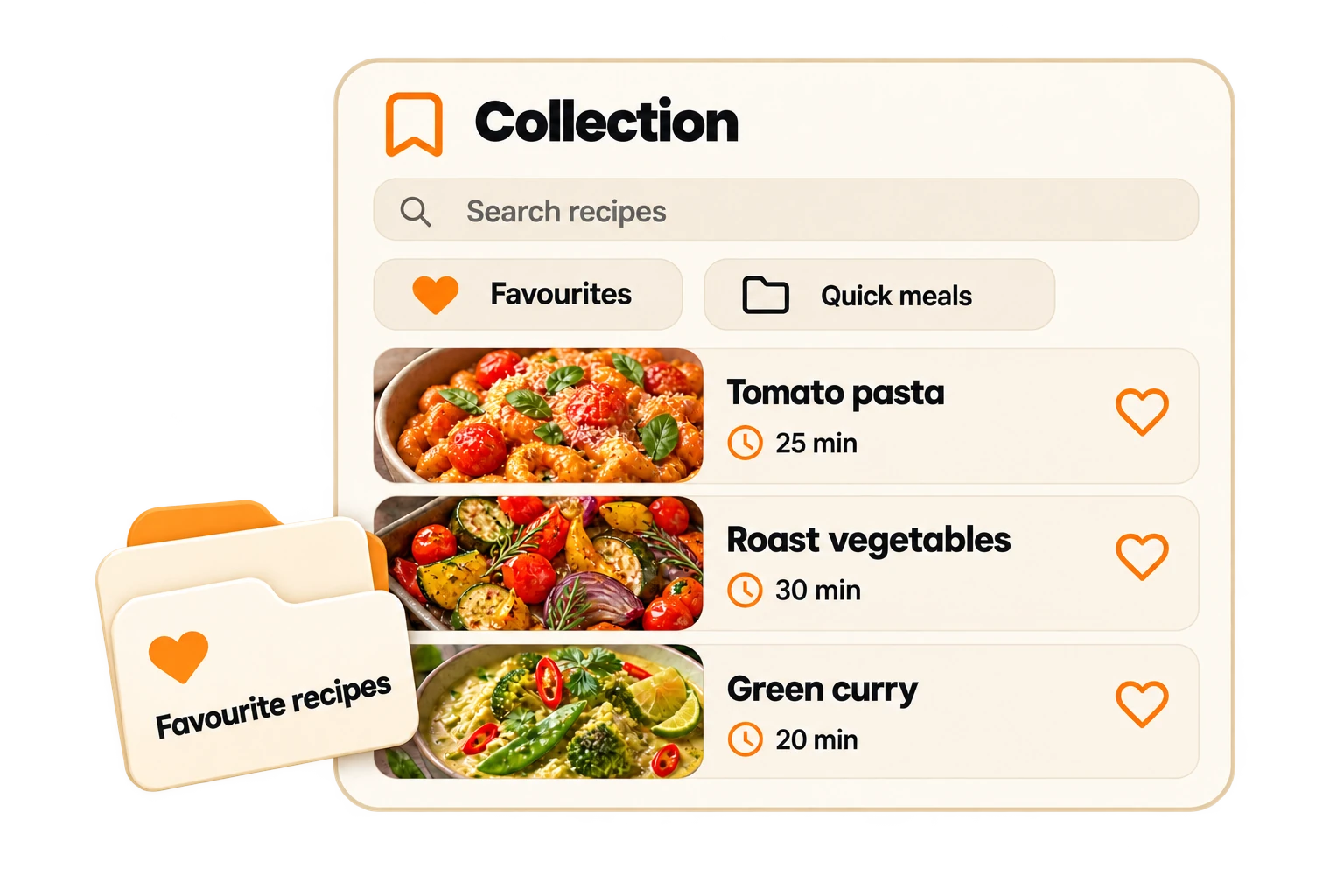
Favourite recipes. All in one place.
Stop hunting through saved videos. Organise recipes in folders, mark your favourites and find them when you’re ready to cook.
- Folders & favourites
- Search your recipes
Your household
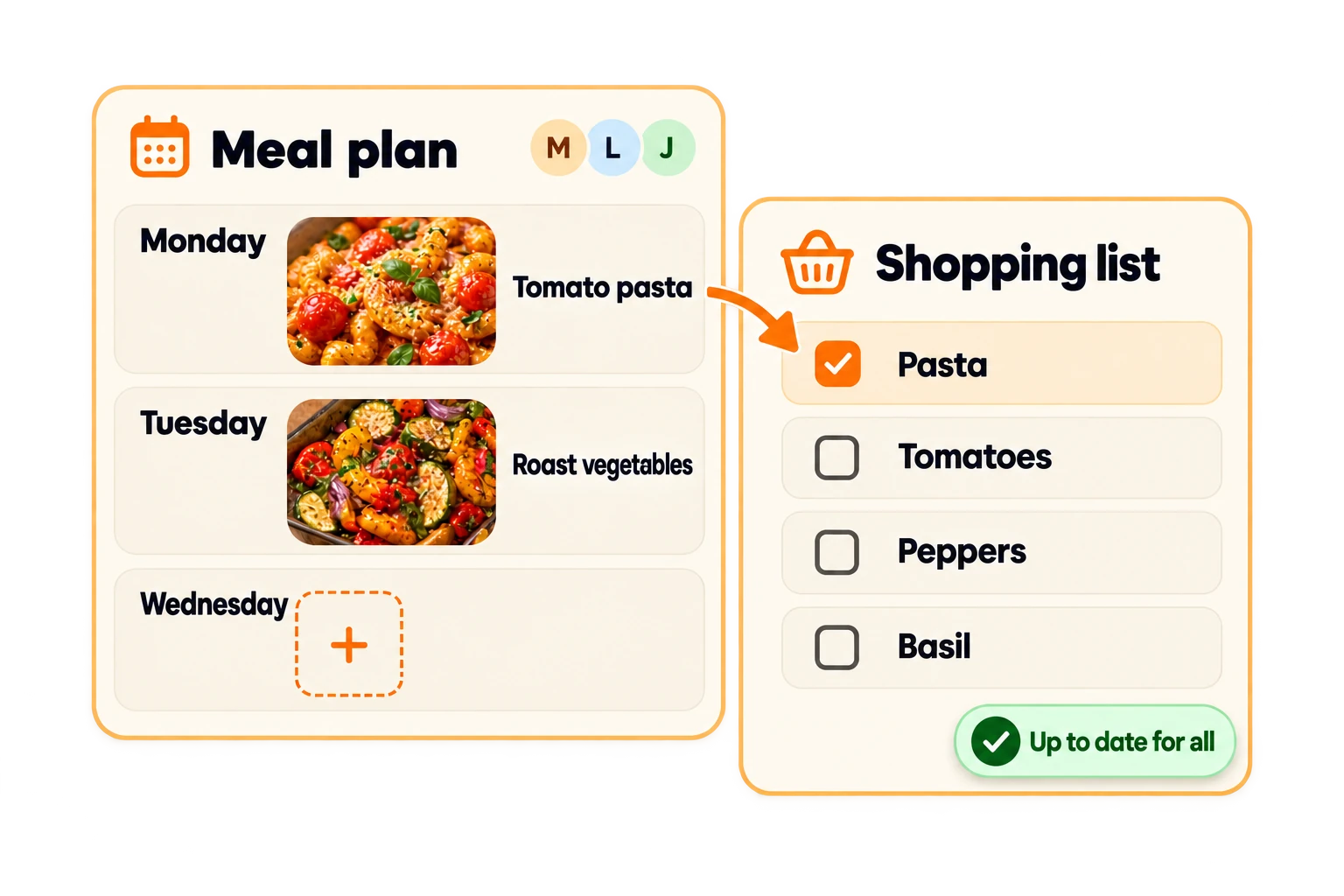
Plan together. Shop together.
Plan your meals and add the ingredients to a shared shopping list. Everyone sees what’s planned and what’s still missing.
- Shared meal plan
- Shared shopping list
Any questions?
Help & contactCan I start for free?
Yes. A limited number of recipe imports is included for free. You can always add recipes manually. Cook Swipe Pro is an optional one-time purchase for unlimited imports. See the price and your allowance in the app.
Which links work?
Public recipe pages and supported cooking videos. Some sources cannot be imported. Check ingredients and steps before cooking.
Can I use Cook Swipe on my own?
Yes. Your collection, meal plan and shopping list also work without a shared household.
Your next recipe is waiting.
Cook Swipe is now available for Android and iOS. Download the app on Google Play or the App Store.